
Rechargly now supports Companies House as a vendor. Upload the statement, map each charge once, and recharge clients automatically every year.
.svg)

How To Recharge Companies House Charges To Your Clients
Most firms pay Companies House fees on behalf of their clients. Confirmation statements, incorporations, the odd change of name or late filing. They are small amounts, so they are easy to forget. Across a full client base, those small amounts add up to real money written off every year. Not because firms decided to absorb it, but because chasing a few pounds at a time was never worth the admin.
That is the kind of leakage Rechargly was built to stop. From today, it covers Companies House too. We have added Companies House as a vendor in Rechargly. The same automated recharging you already use for Xero and other software now works for your Companies House costs.
How to recharge Companies House charges
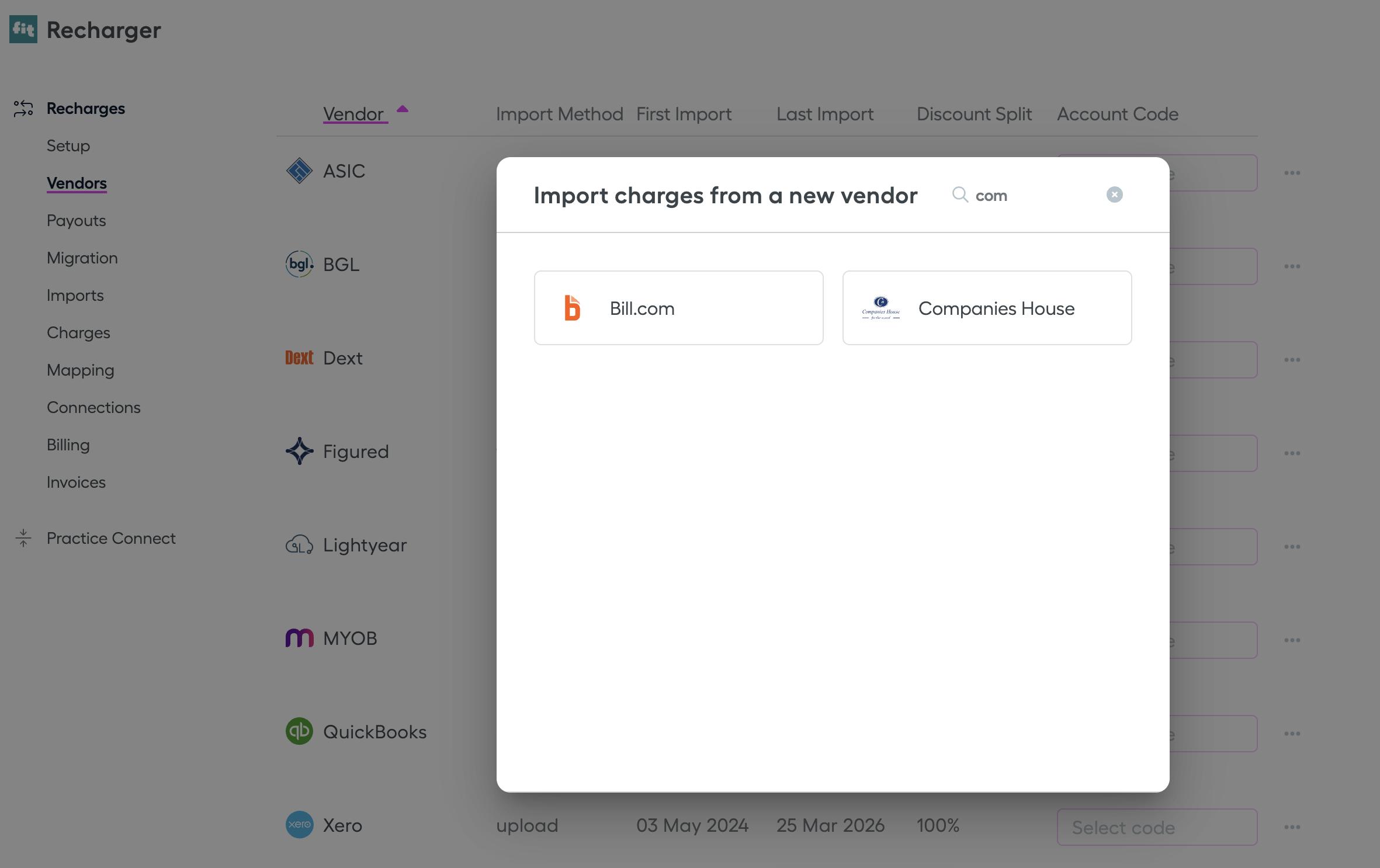
1. Go to the Vendors page, select Add new vendor, and find Companies House in the list.
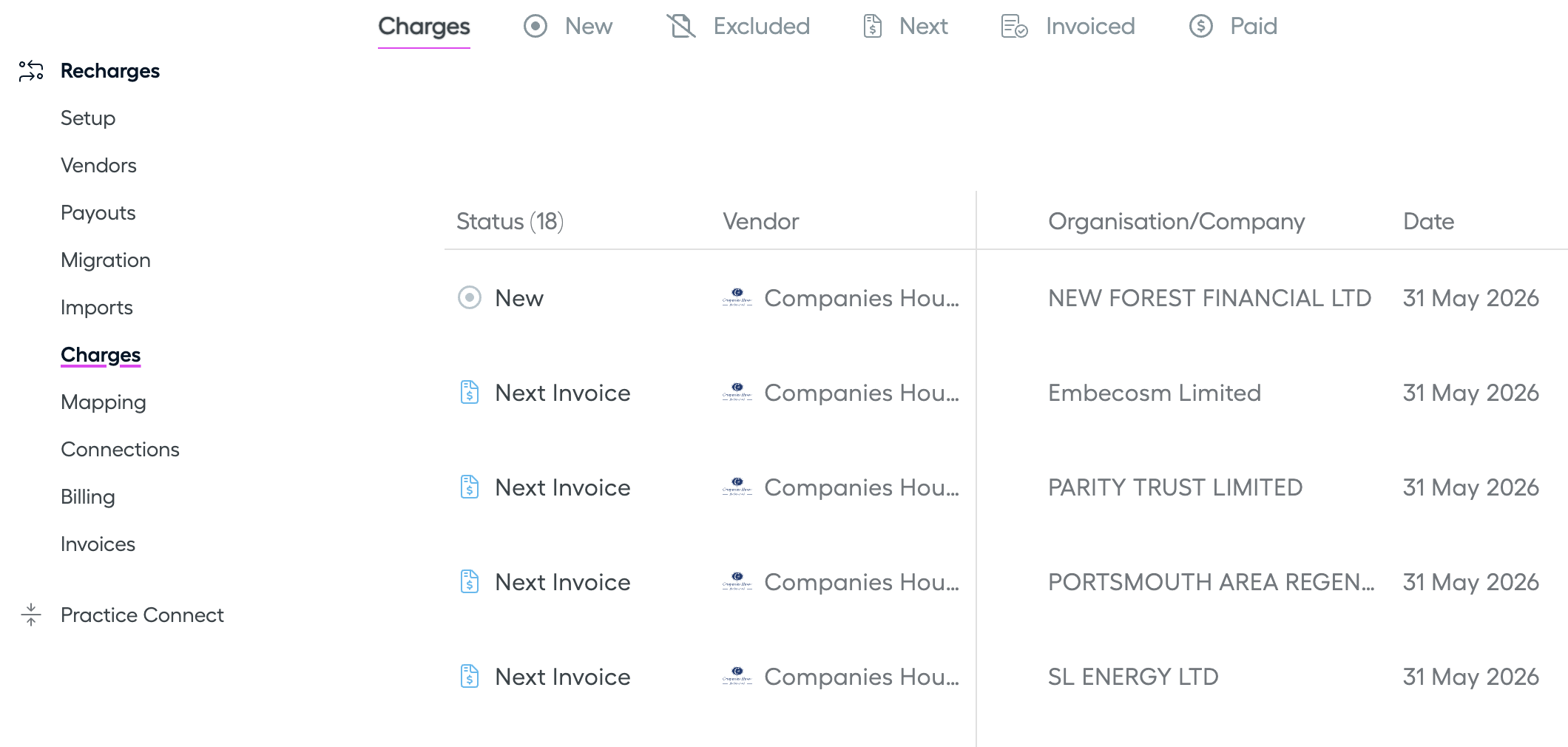
2. Upload your Companies House statement. It lists all your client charges in one file.
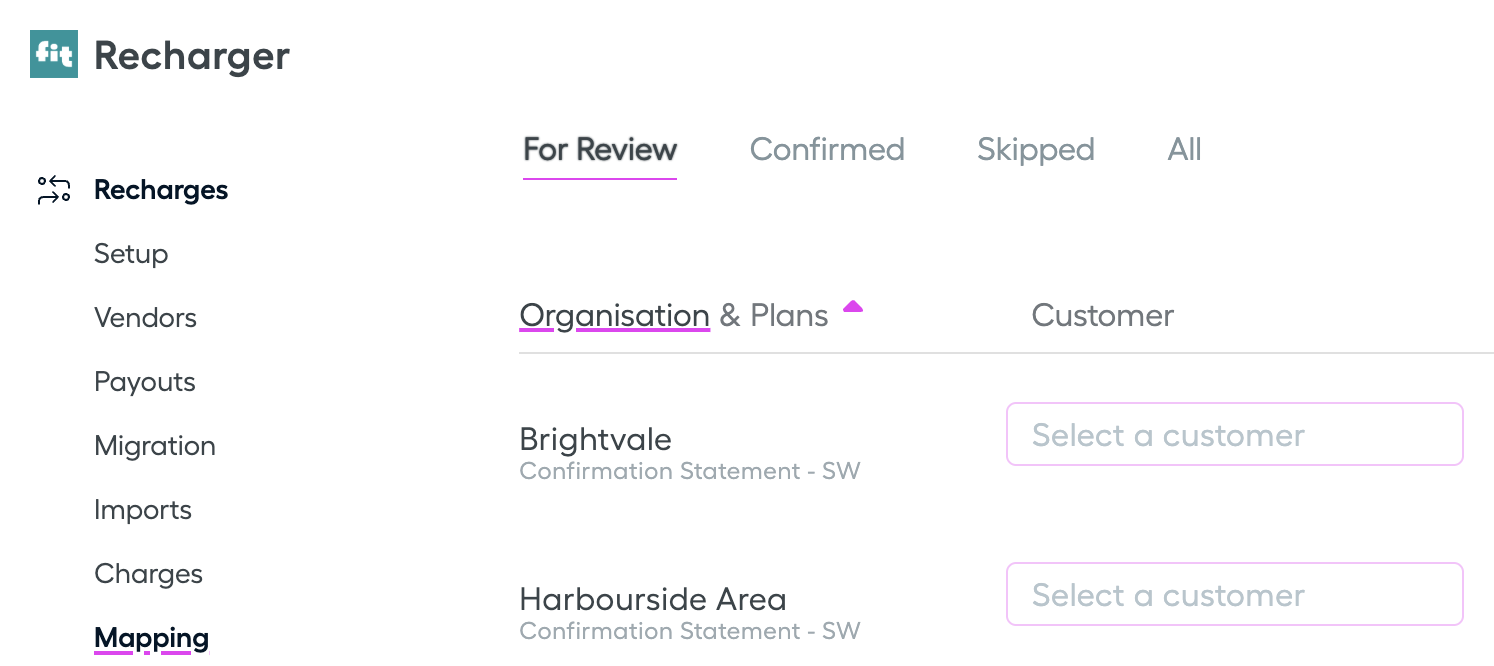
3. Map each Companies House charge to a customer in your Xero account.
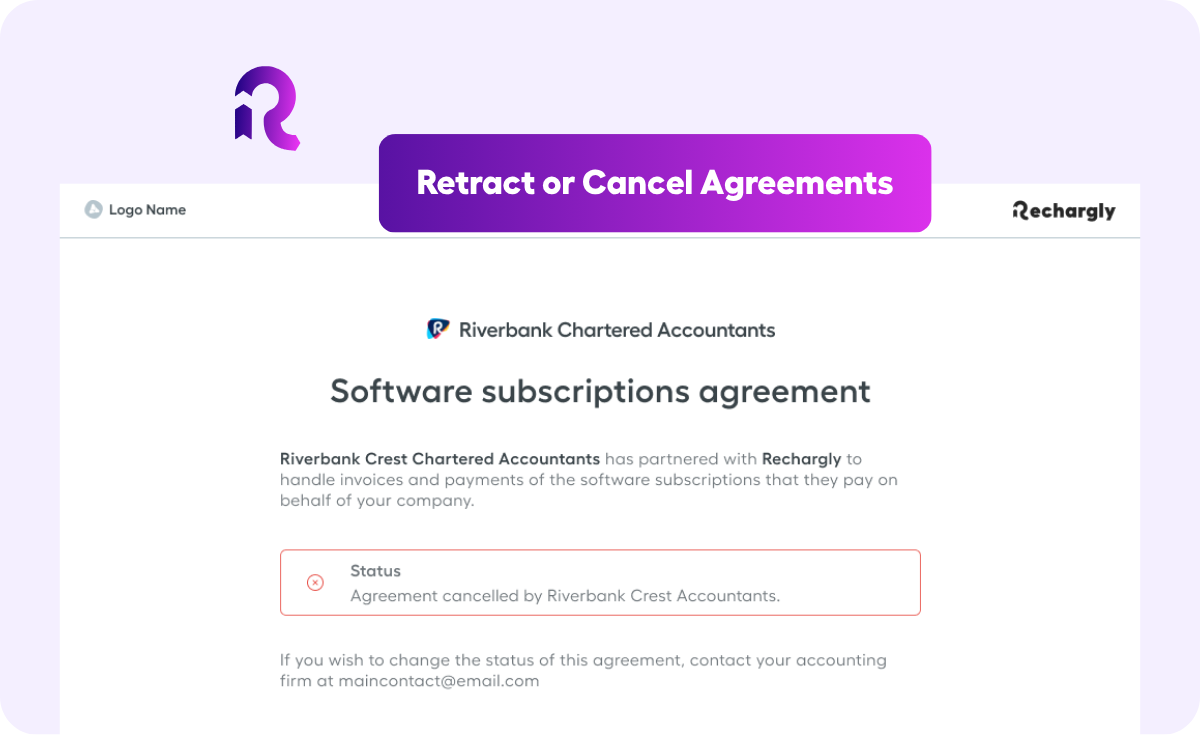
4. Enable those customers from the Billing page. Rechargly sends each client an agreement so the charge is collected automatically every year.
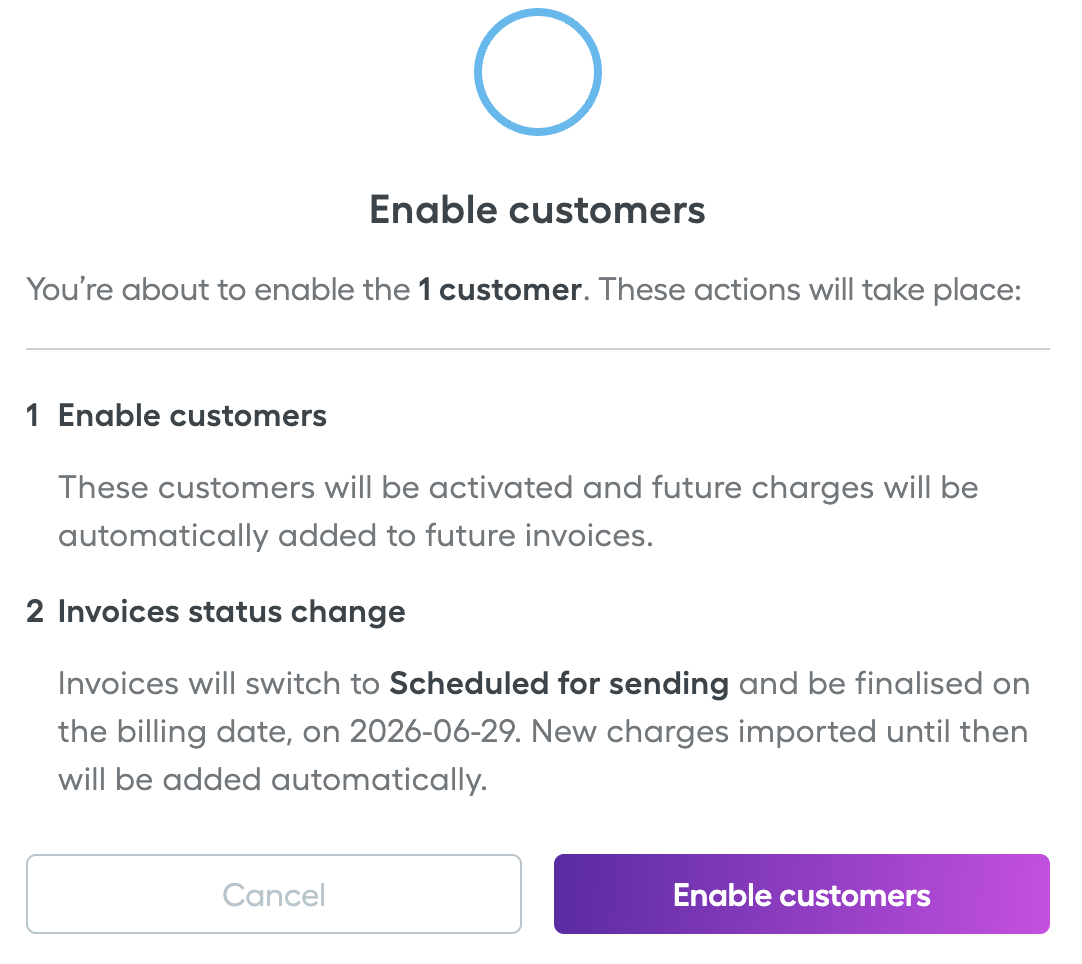
One less thing to write off
Companies House fees were never worth chasing by hand. Now you do not have to. Map them once, and the cost flows back to the client automatically, without anyone thinking about it. One less small leak, handled.

.png)
%20(1).png)
.png)